Apple’s Accessibility Updates Show Where AI Could Be Useful On Everyday Devices
Apple previewed new accessibility features powered by Apple Intelligence, including updates for VoiceOver, Magnifier, Voice Control and captions.
Save Article
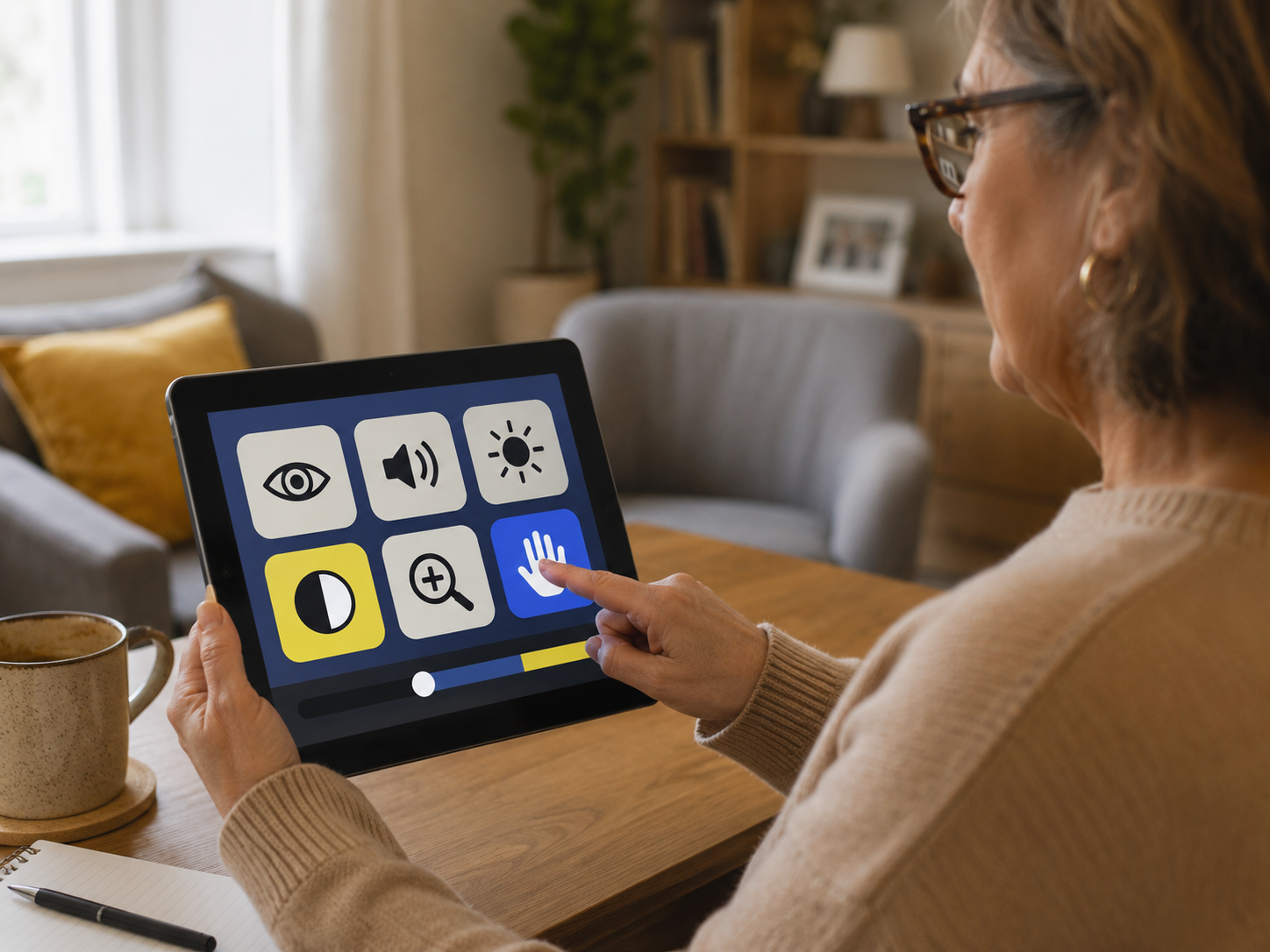
New accessibility tools are bringing AI features into more everyday device tasks. Editorial illustration by TheDailyGlobe.
Key Facts
- Apple previewed new accessibility updates powered by Apple Intelligence on May 19, 2026.
- The announced updates include new capabilities for VoiceOver, Magnifier, Voice Control and Accessibility Reader.
- Apple said generated subtitles for uncaptioned video content are coming across its ecosystem later this year.
- Apple said Vision Pro users will be able to control compatible power wheelchairs with their eyes later this year.
- Some features will have language, region, device and safety limitations.
For many people, accessibility tools are not extra features buried in a settings menu. They are how a phone, computer, tablet or video app becomes usable in the first place.
Screen readers help blind and low-vision users understand what is on a display. Captions help people follow video when audio is unavailable or difficult to hear. Voice controls can make a device usable for someone who cannot easily tap, swipe or type. When those tools work well, technology feels less like a locked door.
Apple previewed a new round of accessibility updates on May 19, saying Apple Intelligence will add new capabilities to VoiceOver, Magnifier, Voice Control and Accessibility Reader. The company also said generated subtitles across its ecosystem and new Apple Vision Pro features for controlling compatible power wheelchairs are coming later this year.
What Apple Is Adding
Apple said the updates will use Apple Intelligence to give users more detailed descriptions and more natural ways to navigate devices. For VoiceOver and Magnifier, that means AI-supported descriptions can help users who are blind or have low vision better understand images, onscreen information and parts of the physical world seen through a device camera.
Voice Control is also getting a more flexible approach. Instead of requiring users to remember exact labels or rigid commands, Apple says the update will support more natural language navigation. That could matter for people who rely on voice as their main way to move through apps and settings.
Accessibility Reader is also part of the update. Apple has described the feature as a way to make text easier to read and understand for people with different reading needs, including low vision or dyslexia. The company’s announcement points to a broader idea: AI may be most useful when it quietly improves tasks people already need devices to do.
Why This Is A Practical AI Story
Much of the public conversation around AI swings between hype and fear. Accessibility is a more grounded test. The question is not whether the technology sounds impressive. The question is whether it helps someone read a screen, follow a video, control a device or move through daily digital tasks with less friction.
That makes Apple’s announcement different from a broad promise about the future of AI. These are specific tools aimed at specific needs. A better screen description can help someone understand a photo or document. Better captions can make video more usable. More natural voice control can reduce the burden of memorizing commands.
The impact is still personal and uneven. A feature that helps one user may not work well enough for another. Accessibility needs vary widely, and real-world conditions are messier than product demonstrations. Still, the direction is clear: AI is being built into ordinary device features, not just separate chatbot apps.
The Limits Readers Should Know
Apple’s announcement also comes with important limits. Some features will not be available everywhere, in every language or on every device. Generated subtitles, for example, are listed with availability limits, including English in the United States and Canada.
Safety limits matter too. Apple cautions that features such as VoiceOver and Magnifier should not be relied on in high-risk situations, for navigation or for medical diagnosis. That warning is not a small detail. AI-generated descriptions can be helpful, but they can also be incomplete or wrong.
That is why these tools should be understood as support, not replacement. They may reduce friction for users, caregivers and families, but they do not remove the need for judgment, testing and clear expectations about where the technology can fail.
What To Watch Later This Year
The real test will come after the features reach users. Apple has previewed the updates, but the value will depend on how they perform outside polished examples: in noisy rooms, with difficult documents, across different apps, in varied lighting and for people who depend on these tools every day.
Feedback from blind and low-vision users, people with mobility needs, people who rely on captions and accessibility advocates will matter more than launch language. Those users will be able to judge whether the tools make devices easier to use or simply add another layer of complexity.
For now, Apple’s update offers a useful way to think about consumer AI. The most meaningful version may not be the loudest one. It may be the kind that helps people read, see, hear, navigate and control the technology already sitting in their hands.
Reporting note: Reporting draws on Apple company materials, official accessibility support resources, technology reporting, and reviewed background materials. This article was produced with AI-assisted research and reviewed by an editor before publication.