Microsoft Build Shows AI Agents Moving Closer To Everyday Work Tools
Microsoft used Build 2026 to highlight AI agents, developer platforms and workplace systems that could shape how software handles routine tasks.
Save Article
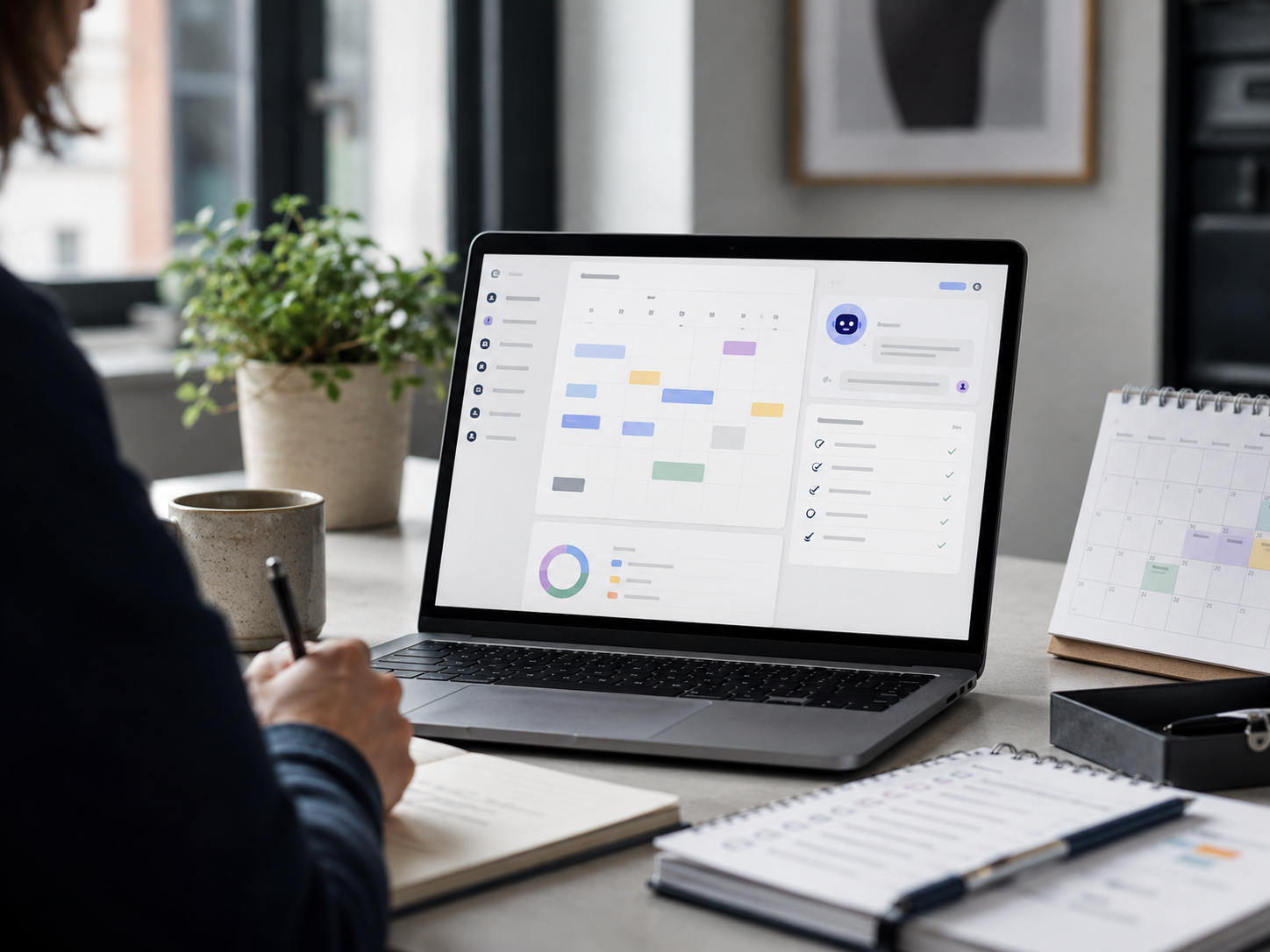
AI agents are moving closer to the workplace tools many people already use. Editorial illustration by TheDailyGlobe.
Key Facts
- Microsoft Build 2026 ran June 2 and 3, 2026.
- Microsoft’s Build hub listed announcements across AI-powered tools, Windows, GitHub, Microsoft Foundry, agent systems and security.
- Microsoft’s official blog featured Build-related posts on June 2, 2026.
- Many of the announcements are aimed first at developers, companies and IT teams, not ordinary consumers.
- It remains unclear which features will become standard parts of everyday Microsoft products for broad users.
Many workers already use software assistants for small digital chores: drafting an email, summarizing a meeting, searching through files, organizing notes or turning a rough idea into a cleaner document.
Microsoft’s latest developer conference points toward the next step in that shift. At Build 2026, held June 2 and 3, the company highlighted AI-powered tools, agent systems, Windows updates, GitHub features, Microsoft Foundry, security work and other platform announcements aimed largely at developers and business customers.
For most readers, the important idea is not the full list of developer announcements. It is that AI is moving from a chat box beside work software toward systems built to help software take action inside work itself. That could eventually change how people handle routine digital tasks, but it also raises questions about control, privacy, reliability and cost.
What Microsoft Means By Agents
An AI agent is best understood as software that can help carry out a task, not just answer a question. A chatbot might summarize a document when asked. An agent-style system may be designed to connect that summary to a workflow, pull from company knowledge, follow instructions and help move a task forward.
That does not mean the software is independent in the human sense. It still depends on permissions, instructions, data access and the limits of the system around it. The practical question is how much a user or company allows the tool to do, and how clearly the tool shows what it is doing.
Microsoft’s Build materials show the company trying to make those systems part of a broader platform for work and software development. The event hub included announcements tied to Microsoft Foundry, agentic apps, retrieval and memory tools, GitHub, Windows and security. In plain English, Microsoft is building more of the plumbing that would let companies and developers create AI systems inside their own tools.
Why Workers May Notice This Later
Most people will not directly use every tool announced at a developer conference. But developer and enterprise tools often shape the software that workers eventually see in offices, schools, hospitals, government agencies and small businesses.
If Microsoft’s agent push becomes part of regular workplace products, users may see more software that offers to prepare reports, organize tasks, find internal information, draft follow-ups, monitor work queues or connect separate apps. Some of that could save time. Some of it could also create confusion if users cannot tell what the system did, why it did it or what information it used.
That is where the story becomes less about Microsoft’s strategy and more about everyday work. The useful version of an AI agent is not one that sounds impressive in a keynote. It is one that handles limited tasks clearly, lets people review its work and does not quietly take more control than users intended.
The Open Questions Are Practical
Reliability remains a central issue. If an AI system is helping with routine work, mistakes may be manageable when a person reviews the output. The stakes change when software starts connecting to files, schedules, customer records, company systems or security-sensitive tools.
Privacy and access controls matter for the same reason. Workplace AI is only as safe as the rules around what it can see, what it can change and who is responsible when it acts on bad or incomplete information. Microsoft’s Build materials included security-related announcements, but broad trust will depend on how these systems behave in real workplaces.
Cost and rollout timing are also unresolved for many users. Some features may stay inside developer previews, enterprise plans or specialized tools before reaching regular products. Others may appear gradually in Microsoft software that millions of people already use.
What To Watch Next
The next useful signal will be which Build announcements move from platform language into products people actually touch. That includes Microsoft 365, Windows, GitHub, business apps and the behind-the-scenes tools companies use to manage internal work.
User control will be one of the clearest tests. Can people see what an agent is doing? Can they approve important actions before they happen? Can companies limit access without breaking the tool? Can workers correct the system when it misunderstands a task?
Microsoft Build 2026 shows that major software companies are still betting heavily on AI agents. The more useful question now is not whether agents are coming. It is whether they will arrive in work tools with enough transparency, limits and reliability for people to trust them with more than simple suggestions.
Reporting note: Reporting draws on Microsoft event materials, official company blog posts, technology documentation, and reviewed background materials. This article was produced with AI-assisted research and reviewed by an editor before publication.