Android’s New Safety Tools Give Families More Practical Phone Controls
Google’s June Android Drop adds call-verification warnings and family safety features, though availability will depend on device and app support.
Save Article
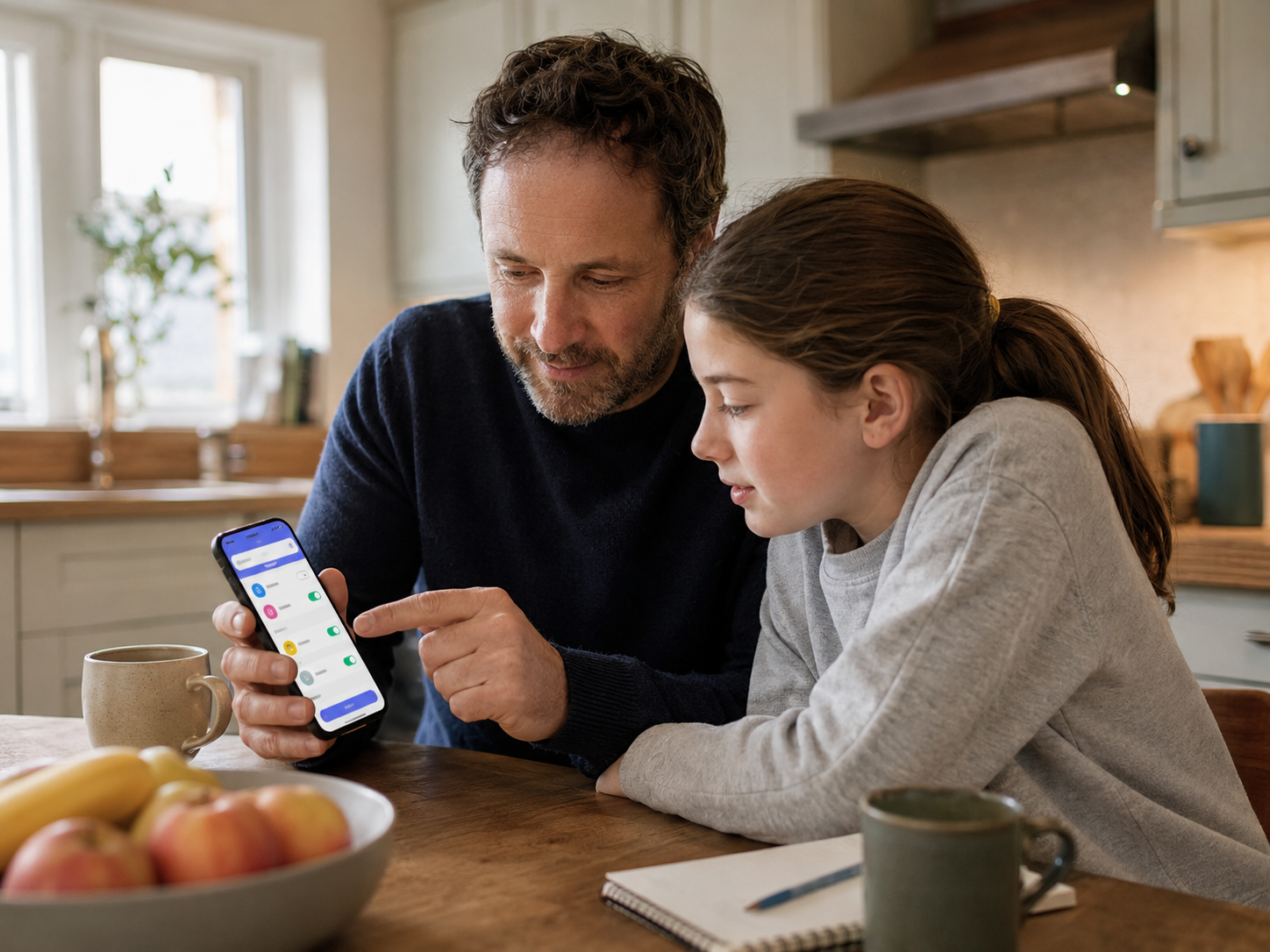
Phone makers are adding more safety tools for calls, emergency contacts and family settings. Editorial illustration by TheDailyGlobe.
Phone safety often comes down to small moments: whether a call is really from someone you know, whether emergency contacts are easy to find, and whether a child’s device has basic safety information available when it matters.
Google announced new Android safety features in its June Android Drop on June 2, including tools aimed at suspected impersonation calls and expanded Personal Safety app features for children under 13.
What Google Added
Google said Phone by Google can verify whether a call is coming from a contact’s device and warn users about suspected impersonation. The goal is practical: give people a clearer signal before they trust a call that may not be what it appears to be.
The update also includes family-focused safety tools. Google said children under 13 will gain Personal Safety app features, including medical information and emergency contacts that can appear on the lock screen.
Why Families May Care
For parents and caregivers, emergency information on a child’s phone can be useful if a child is away from home, at school, traveling or with another adult. The value is not that a phone replaces a parent, doctor or emergency responder. It is that basic information may be easier to reach.
The call-warning feature also reflects a broader shift in phone safety. Rather than asking users to spot every suspicious call on their own, device makers are building more warnings into the calling experience itself.
The Limits To Watch
These tools are safeguards, not guarantees. Google’s announced features may depend on Android version, device support and app availability. Some users may not see every feature right away, and warning systems can miss risks or flag calls imperfectly.
That makes the next step simple for Android users: check whether the June Android Drop features are available on their device, keep apps updated and treat phone warnings as one layer of protection rather than a complete answer.
Reporting note: Reporting draws on Google product announcements, Android security materials, official support context, and reviewed background materials. This article was produced with AI-assisted research and reviewed by an editor before publication.